Launching by keyboard shortcuts
■ Overview
This article is for CopyHistory user, so I assume you have installed CopyHistory but this way is common to all app.
Setting the keyboard shortcut to Quick Action allow you to activate apps easily.
Quick Action is a workflow made by Automator.
■ Procedure
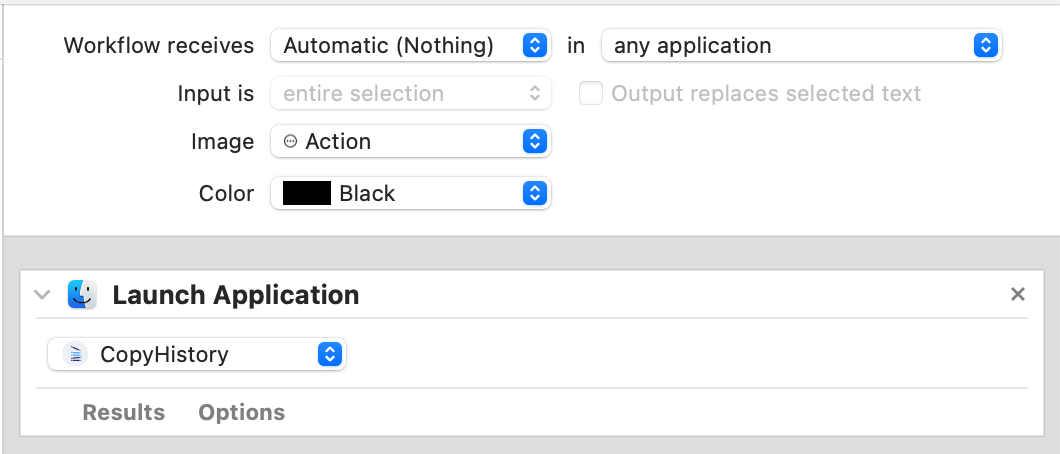
- This is a workflow that just launches this app.
- Expand the zip and click
CopyHistoryShortcutLaunchAction.workflow
- You can see the content of the workflow with Automator app.
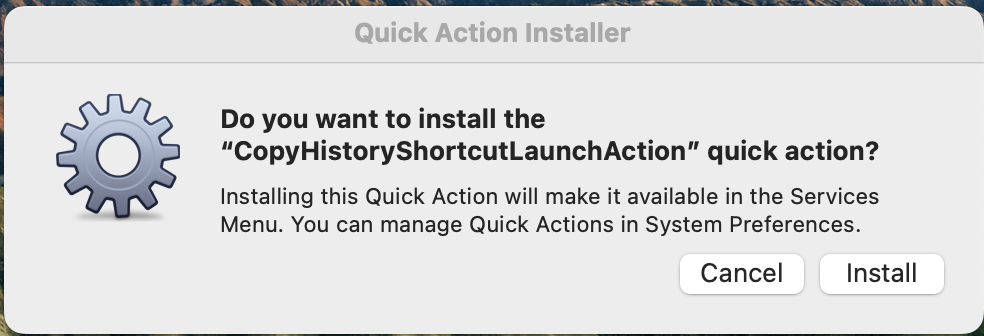
- The alert will appear and click
install
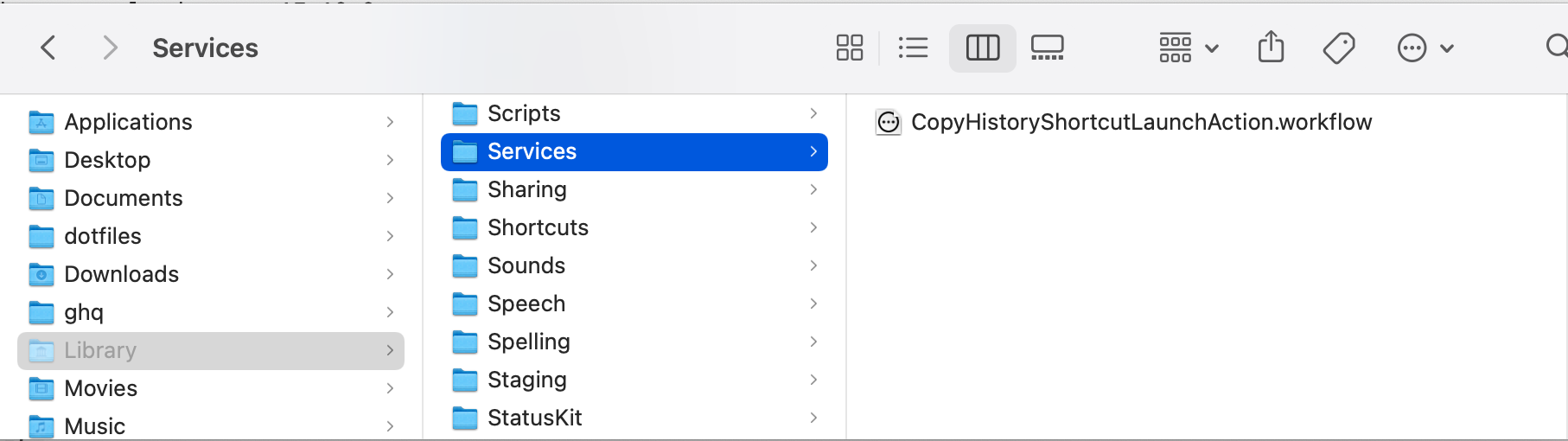
- You can see the workflow added to
〜/Library/Services.
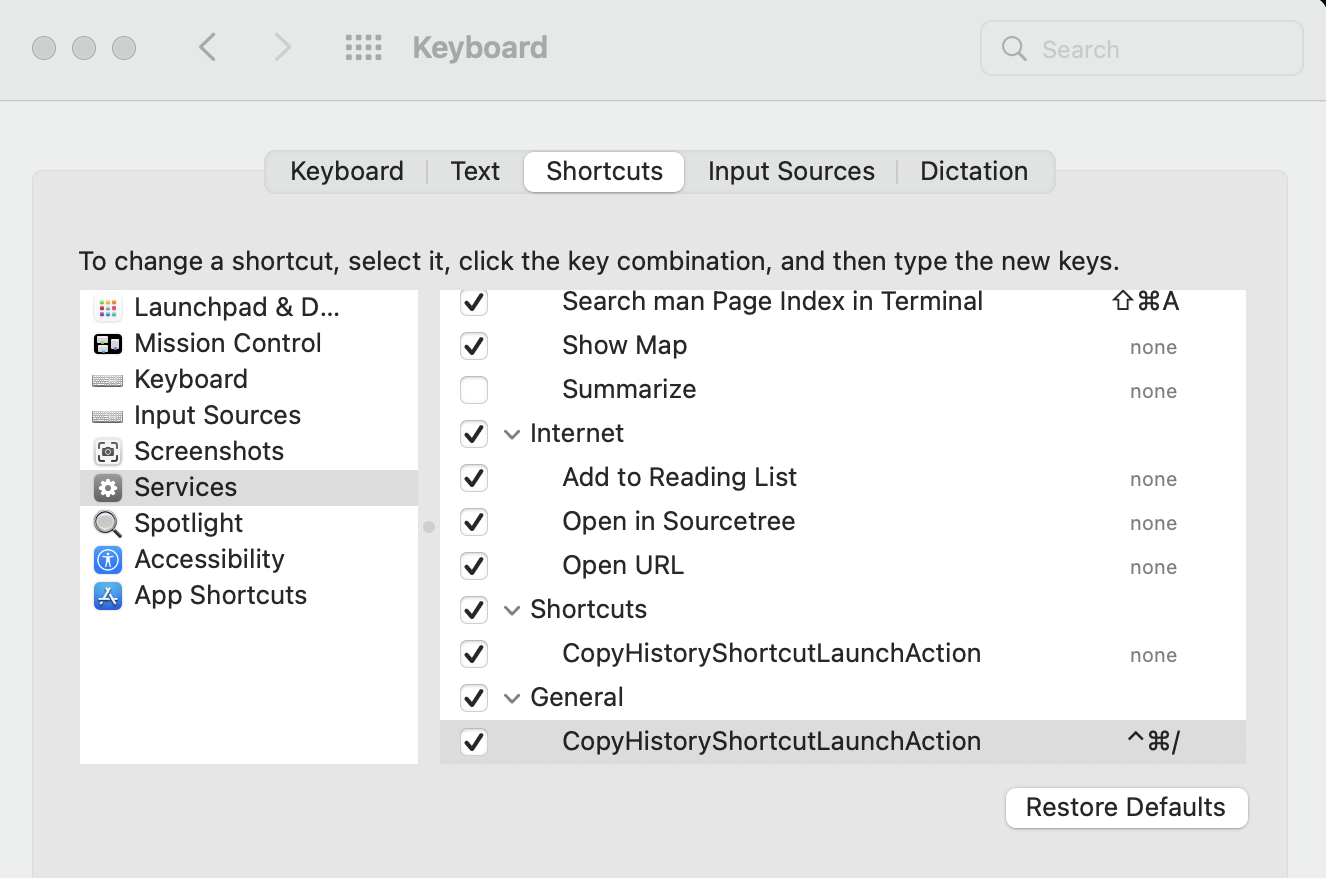
- Set a keyboard shortcut for triggering the workflow
atSystem Prefrence > Kayboard > Shortcuts > Services > General
- You can set the keyboard shortcut freely but you should take care to conflict other shortcuts.